
URL
To access the system, use the following URL:
Sign in
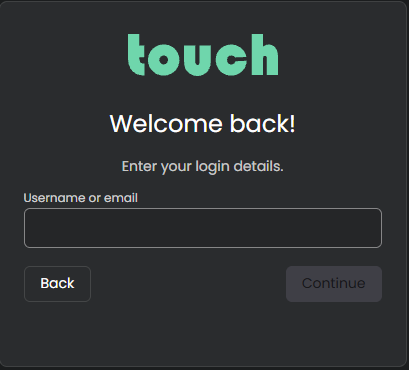
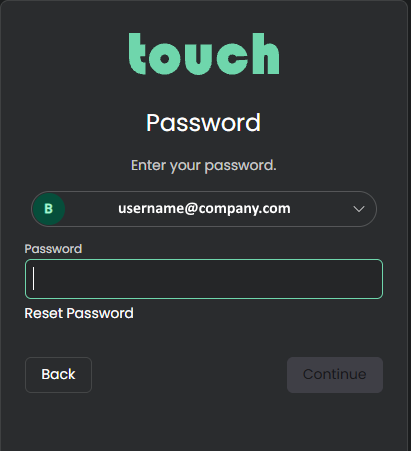
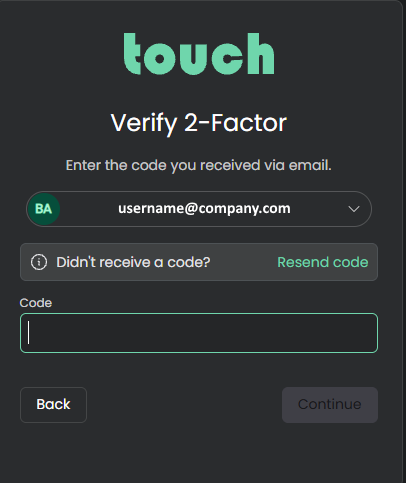
To access Touch Call Recording Service please visit the website touchrec.com . Enter your username and password, when you have entered a valid username and password, a code is sent via e-mail, or if configured, use code from authenticator app.
Enter your username:
Enter your password:
Enter the code received on email or from authenticator app:
Upon successful sign in, the user is redirected to the main page .
Log out
Use the “Sign out” button located on lower left side to sign out of the system.