
Downloads shows all available packaged zip-files with recordings and meta-data.
General
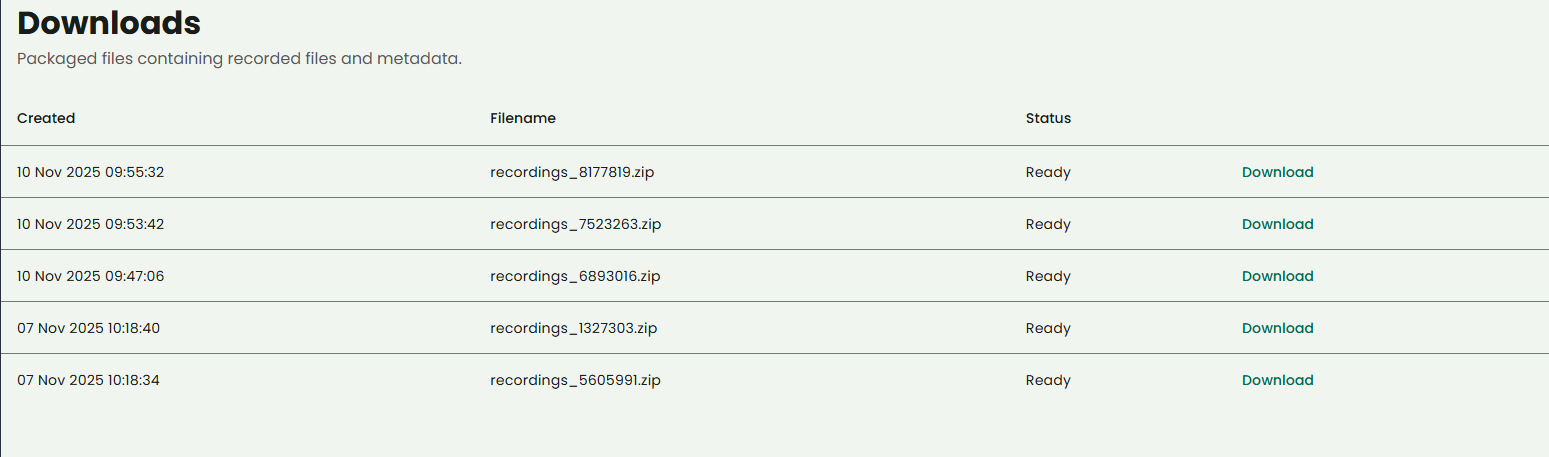
Download can be initiated from the Recordings overview. The package zip-file will be created in the background. When it’s ready for download, the download link will be activated.
Content
The content of the packaged zip-file will vary depending on what kind of recordings the package contains.
The packaged zip-file will have the following structure:
-
CSV-file with meta-data for all recordings in the package
-
Folder 1 - Recording 1 (audio)
-
JSON-file with recording meta-data
-
Media-file containing the audio
-
-
Folder 2 - Recording 2 (text)
-
JSON-file with recording meta-data
-
Media-file containing the text
-
Media-files containing attachments
-
For each recording in the packaged zip-file, there will be a folder containing everything that belongs to that recording.